Access control for the fitness studio: coordinate software, subscription and hardware
Access control consists of more than one reader at the entrance. Member status, subscription, allowed times and the hardware actually used must fit together. My Gym App links these topics in studio management and the customer app.
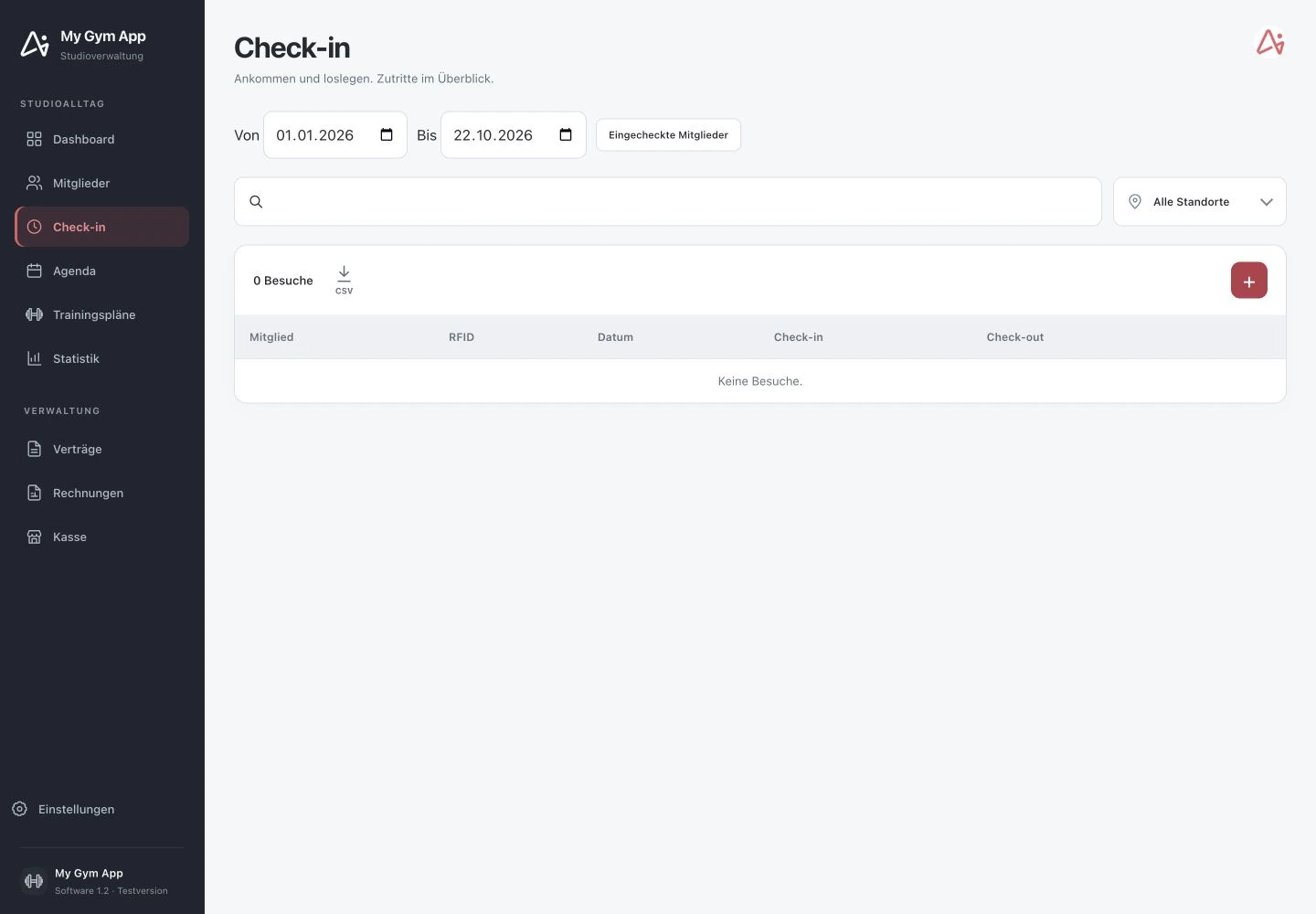
Original recordings of the trial version with fictitious sample data. Interface and functionality may vary depending on version and setup.
Membership as the basis of authorization
The member profile consolidates status, associated subscriptions and RFID assignment. Contract management adds start and end dates. This information is an important foundation for regulated access. The rules derived from this for a specific facility must be configured and tested according to location and chosen integration.
Customer app and alternative access media
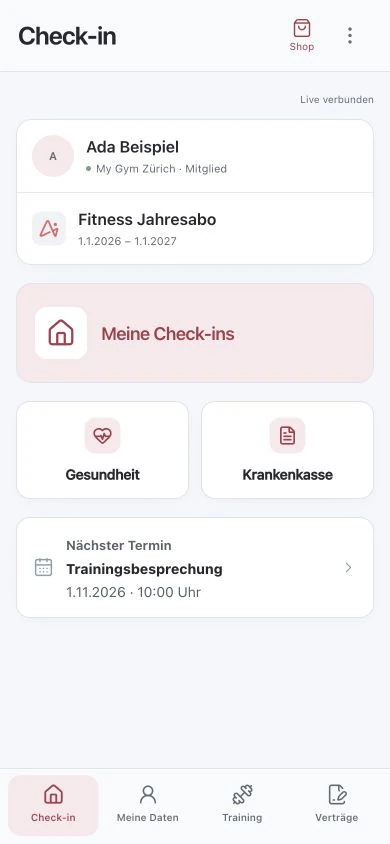
The existing product overview describes smartphone access as well as cards and wristbands as possible system components. Which variant works at your entrance depends on reader, door control and interface. Therefore, discuss existing devices with the team instead of deriving compatibility from a general product description.
Test visit recording and physical release separately
An entry in the check-in list shows a recorded visit. This alone does not prove that a door or gate was actually opened. A complete test includes software decision, signal to the control and hardware response together. The screenshots shown here come from a local test environment without connected access equipment.
24/7 operation requires a coordinated process
Check valid and expired subscriptions, blocked members, time windows and handling of malfunctions. Organisational security procedures must also fit the studio. For existing hardware, model, interface and current setup must be clarified before reuse. A blanket approval for any system or continuous trouble-free operation would not be responsible.
How to check the process in a demo
- Record existing doors, readers and controls.
- Define authorization rules for subscriptions, locations and times.
- Test the complete process on the intended hardware.
Frequently Asked Questions
Can I continue using my existing hardware?
That depends on model, interface and setup. A technical review is required before reuse can be promised.
Do the screenshots document a tested hardware connection?
No. They show the software with test data. A specific reader or door control must be separately tested in the complete process.
Working through your studio everyday routine together
Show us your requirements. In a personal demo, we review the suitable processes and necessary setup.
