
Capture health information digitally with the fitness studio customer app.
Health information requires careful handling. The verified My Gym App customer app offers a personal area where members can enter information for their studio.
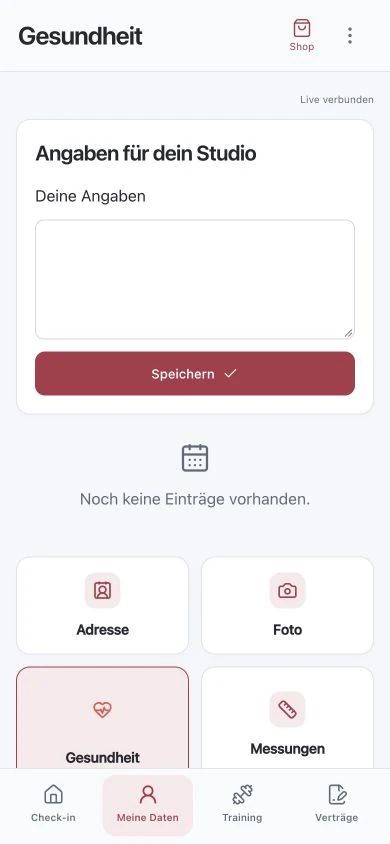
Original recordings of the trial version with fictitious sample data. Interface and functionality may vary depending on version and setup.
A dedicated entry point in the customer app.
The health area is accessible via the customer app. The verified test view shows an input area for information to the studio and a save action. In this test setup, this is free text input. An extensive structured questionnaire, automatic medical evaluations, or special diagnostic functions are not demonstrated by this screenshot.
Organise support with clear responsibilities.
Before use, it should be clear what information the studio requires and who may view it for support. A digital entry alone does not create a professional process. Define who handles inquiries, how changes are discussed, and which information is actually relevant for a training plan. Collect only information necessary for the intended purpose.
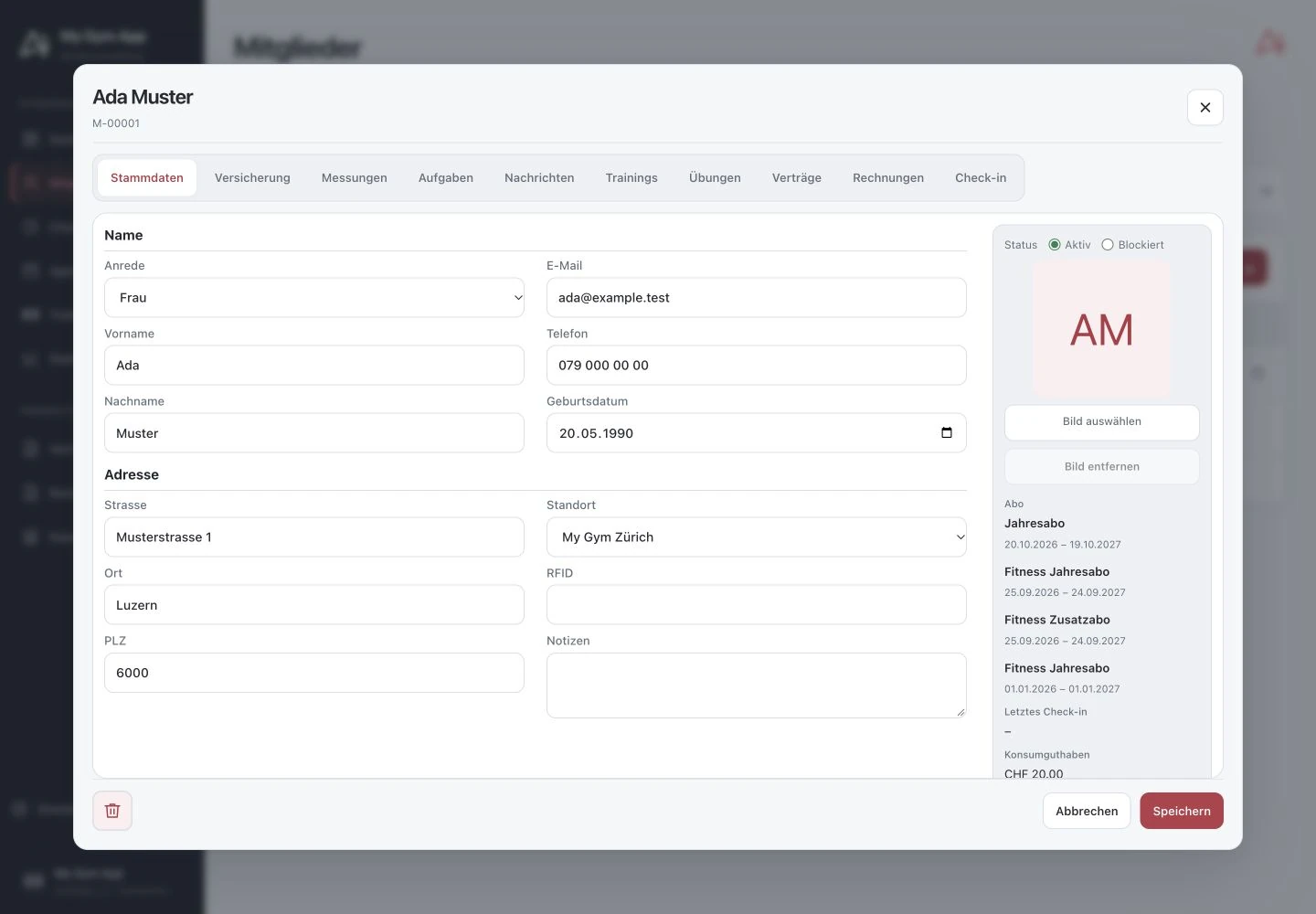
Distinguish health information and training specifications.
A training record, a measurement, and health information have different roles. The software provides separate areas for this. Free text entries should therefore not be automatically treated as confirmed diagnosis or training recommendation. Individual assessment remains the responsibility of qualified support.
Clarify data protection and setup in advance.
For use, access rights, member information, and handling of sensitive data must be checked. A marketing page cannot replace this studio-specific review. The illustrated test environment contains no real health data. Even during introduction, fictitious examples should be used until purpose and permissions are defined.
How to check the process in a demo
- Determine required information and responsible staff.
- Open the health area with a test member.
- Check input, visibility, and internal support process.
Frequently Asked Questions
Does the screenshot show a complete medical questionnaire?
No. The verified test station shows a free text input. Further questionnaire functions must be separately reviewed before any corresponding approval.
Are the details a medical diagnosis?
No. An entry in the software is not a medical assessment and does not replace qualified consultation.
Working through your studio everyday routine together
Show us your requirements. In a personal demo, we review the suitable processes and necessary setup.
